
Download Workflowy – Simple List‑Making, Powerful Outlining, Free Note‑Taking App
Overview
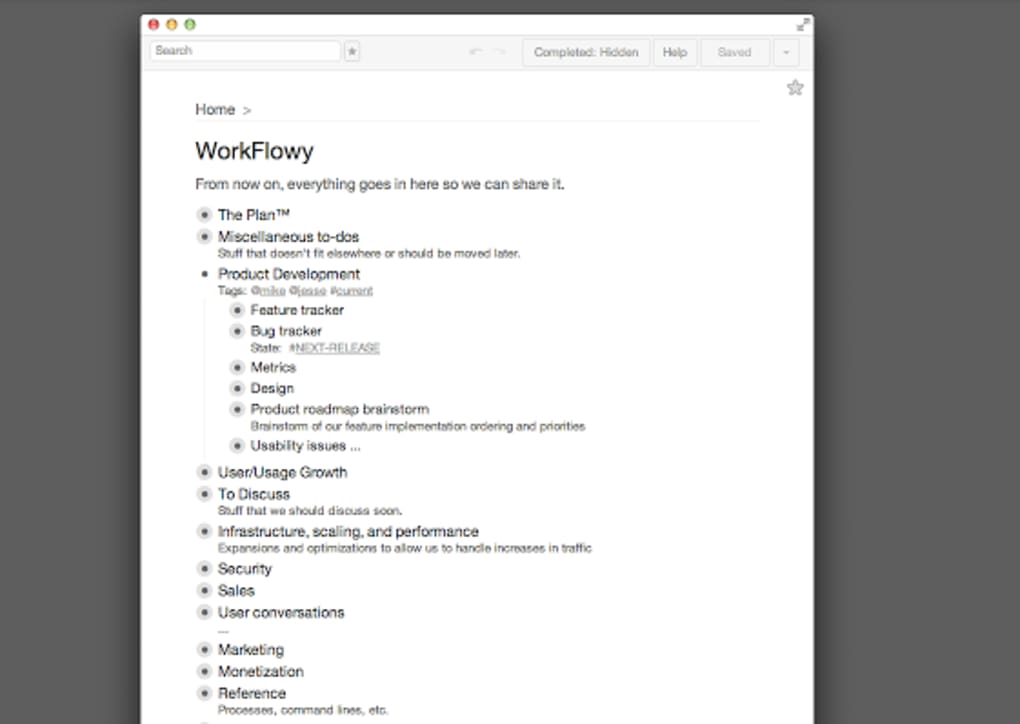
Workflowy is a minimalist yet surprisingly powerful tool for creating, organizing, and sharing lists and outlines. Think of it as an infinite notepad that expands only as far as you need it to go. Every bullet point can become a parent node, opening a new sub‑list that you can zoom into for focused editing or collapse back to see the entire hierarchy at a glance.
This flexibility makes Workflowy ideal for everything from daily to‑do lists and grocery shopping to complex project planning and collaborative brainstorming. The app is available on Android, iOS, Windows, and macOS, and all data syncs securely across devices in real time. Whether you’re a student mapping out research topics, a professional managing multi‑phase projects, or a family keeping the household chores in order, Workflowy offers a clean, distraction‑free interface that helps you stay organized without the bloat of traditional project‑management suites.
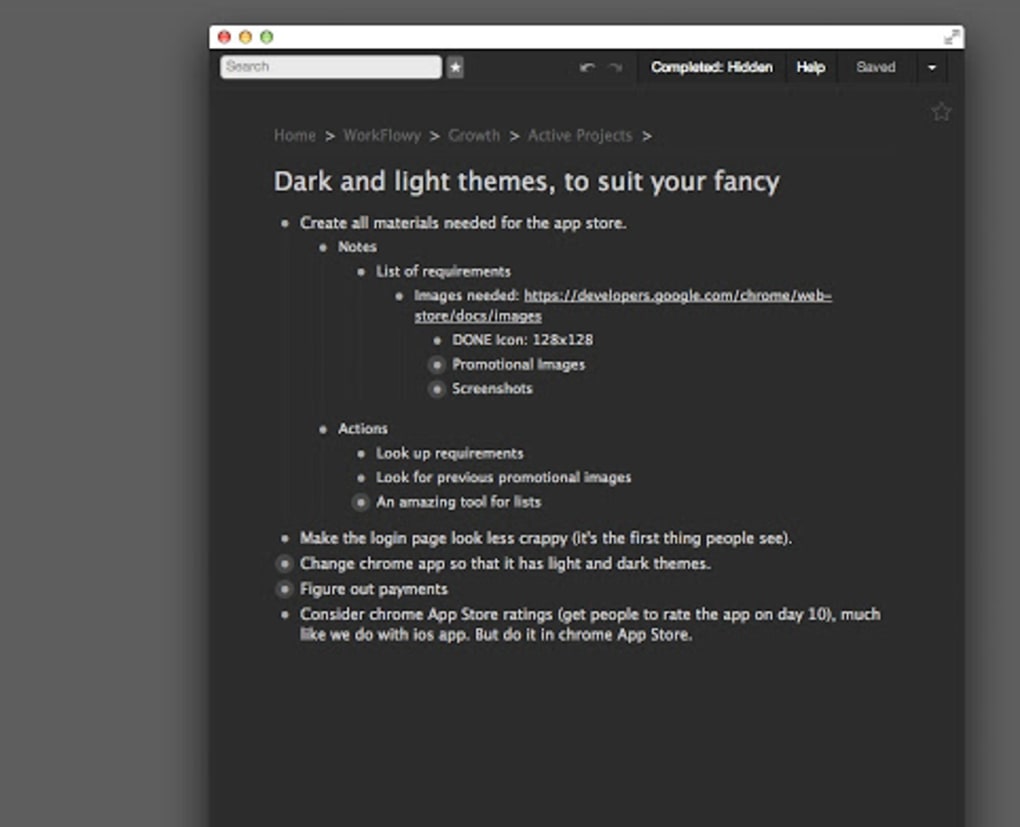
The free tier provides unlimited nodes, tags, and sharing capabilities, while premium plans unlock additional features like advanced search filters, custom themes, and priority support. In short, Workflowy combines the elegance of a simple checklist with the depth of a full‑featured outliner, making it a versatile solution for anyone looking to simplify their workflow.
Key Features
- Infinite Nesting: Create bullet points within bullet points without limit, allowing you to build deep, structured outlines that reflect real‑world hierarchies.
- Zoom‑In/Zoom‑Out Navigation: Focus on a single sub‑list or pull back to view the whole document, helping you stay oriented in large projects.
- Real‑Time Collaboration: Share any list with teammates, family members, or friends and edit simultaneously, with changes syncing instantly.
- Cross‑Platform Sync: Your data is stored in the cloud and automatically updates across Android, iOS, Windows, macOS, and web browsers.
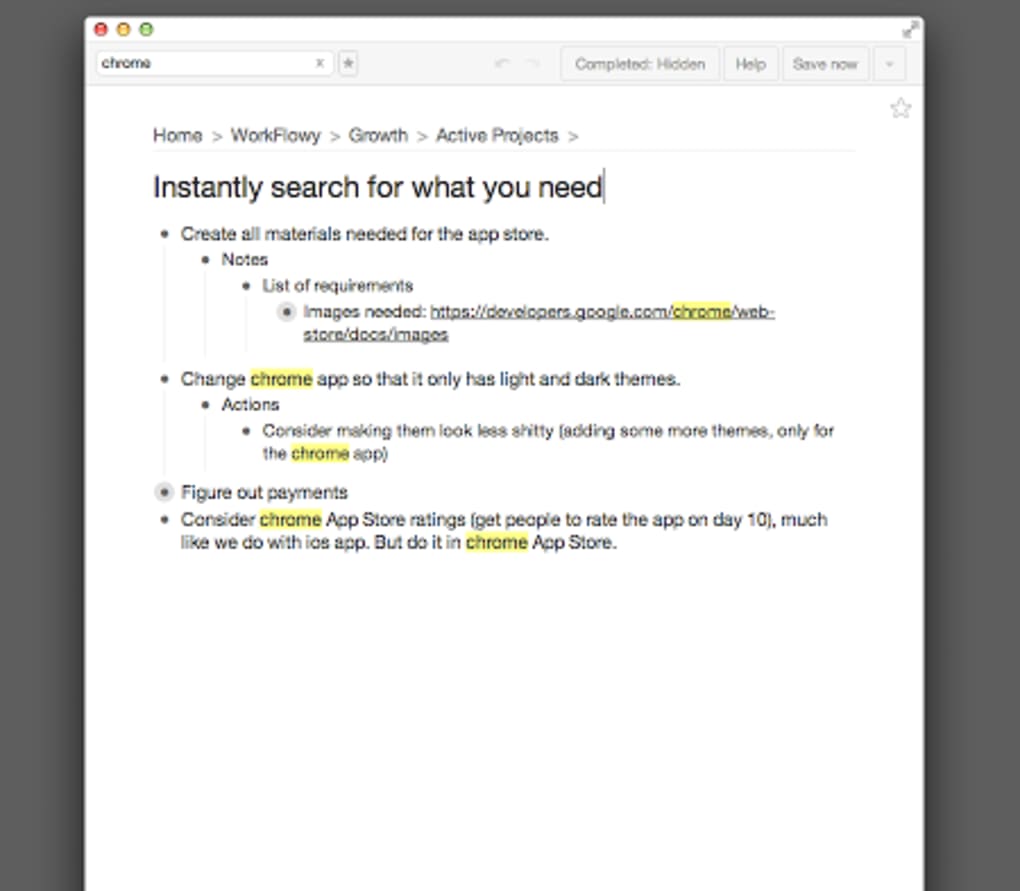
- Tagging & Filtering: Assign tags to any node and use powerful filters to locate items quickly, even in massive outlines.
- Keyboard Shortcuts: Speed up list creation with shortcuts for adding bullets, indenting, collapsing, and searching.
- Markdown Support: Write rich text using simple markdown syntax, including bold, italics, links, and code blocks.
- Offline Access: Work on your lists without an internet connection; changes sync once you’re back online.
- Export Options: Export outlines to plain text, OPML, or PDF for backup or sharing outside the app.
- Premium Enhancements: Unlock custom themes, advanced search operators, and priority support with a paid subscription.
Installation & Usage Guide
Getting started with Workflowy is straightforward, regardless of the device you prefer. Follow the steps below for a smooth installation and first‑time setup.
Desktop (Windows & macOS)
- Visit the official Workflowy website and click the “Download” button for Windows or macOS.
- Run the installer (EXE for Windows, DMG for macOS) and follow the on‑screen prompts to place the application in your Applications folder.
- Launch Workflowy. You’ll be prompted to create a new account or sign in with Google, Apple, or an existing email/password combination.
- Once logged in, the main screen displays a single empty bullet. Start typing to create your first item, then press Enter to add siblings or Tab to indent and create a child node.
- Use the left‑hand navigation bar to access your recent documents, starred items, or shared lists.
Mobile (Android & iOS)
- Open the Google Play Store or Apple App Store and search for “Workflowy”.
- Tap “Install” and wait for the download to complete.
- Open the app, sign in using the same credentials you created on desktop, and grant permission for push notifications if you want real‑time updates on shared lists.
- The mobile interface mirrors the desktop experience: tap the “+” icon to add a new bullet, swipe right on a bullet to indent, and pinch to zoom in on a sub‑list.
- Use the “Share” button in the top‑right corner of any list to invite collaborators via email or a shareable link.
Web Access
If you prefer not to install anything, Workflowy works perfectly in any modern browser. Navigate to app.workflowy.com, sign in, and you’ll have instant access to all your outlines. The web version includes the same feature set as the native apps, making it a convenient option for quick edits from public computers or laptops.
Tips for Efficient Use
- Use “#tags” inline: Type # followed by a keyword to tag any bullet. Later, filter by entering “tag:#yourtag” in the search bar.
- Keyboard shortcuts: Ctrl + Shift + Arrow Up/Down to reorder bullets, Ctrl + / to toggle the search bar.
- Star important items: Click the star icon to mark crucial bullets for quick access from the “Starred” section.
- Leverage the “Zoom” feature: Double‑tap a bullet on mobile or click the bullet while holding Ctrl on desktop to focus on that sub‑list.
Workflowy is fully compatible with Windows 10 and later, macOS 10.13 (High Sierra) and later, Android 6.0 (Marshmallow) and up, iOS 13 and newer, as well as any recent web browser (Chrome, Firefox, Safari, Edge).
Pros & Cons
Pros
- Intuitive infinite nesting makes complex outlines feel natural.
- Real‑time collaboration without the need for separate accounts.
- Cross‑platform sync ensures your data is always up‑to‑date.
- Generous free tier with unlimited nodes and sharing.
- Offline mode lets you work anywhere, even without internet.
- Lightweight design keeps the app fast and responsive.
- Powerful search and tag filtering for massive documents.
- Export options help you back up or share data outside the platform.
Cons
- Advanced features (custom themes, advanced search operators) require a paid subscription.
- Limited formatting options compared to full‑featured word processors.
- No built‑in Gantt chart or Kanban view for visual project management.
- Learning curve for users unfamiliar with outline‑based workflows.
- Mobile UI can feel cramped when dealing with very deep hierarchies.
Overall Rating: 4.5 / 5
Workflowy shines as a clean, versatile outliner that scales from simple shopping lists to enterprise‑level project planning. Its free tier is generous, and the premium upgrades add valuable polish without forcing a paywall. While it lacks visual project‑management views, its core strength lies in its simplicity and speed.
FAQ
Is Workflowy really free to use?
Yes, Workflowy offers a free plan that includes unlimited bullets, tags, and real‑time sharing. Premium features such as custom themes, advanced search filters, and priority support require a paid subscription.
Can I collaborate with people who don’t have a Workflowy account?
Absolutely. When you share a list, Workflowy generates a shareable link that guests can open in a web browser. They can view and edit the list without creating an account, though an account is required for full collaboration features like starring and tagging.
How secure is my data on Workflowy?
Workflowy encrypts data in transit using HTTPS and stores it on secure servers with regular backups. Premium users also benefit from two‑factor authentication (2FA) for added protection.
Can I export my outlines for use in other apps?
Yes. Workflowy supports exporting to plain text, OPML (compatible with many outliner tools), and PDF. Export options are available from the list’s settings menu.
Is there a limit to how many nested levels I can create?
There is no hard limit on nesting depth. You can create as many levels as needed, though extremely deep hierarchies may become harder to navigate on smaller mobile screens.
Conclusion & Call to Action
Workflowy stands out as a sleek, powerful solution for anyone who lives by lists and outlines. Its blend of infinite nesting, real‑time collaboration, and seamless cross‑platform sync makes it a top choice for personal productivity and team projects alike. While the free tier already offers a robust feature set, the optional premium plan adds polish that many power users will appreciate. If you’re looking for a secure, fast, and adaptable tool to organize thoughts, tasks, or complex project structures, Workflowy is definitely worth a try. Download Workflowy now and experience the elegance of an infinite notepad that truly adapts to your workflow.







